Team ToolSixo

How to Compress a PDF Without Making Text Blurry

Why PDF Text Gets Blurry After Compression PDF compression reduces file size by removing unused data, downsampling images, and simplifying parts of the document. Text usually stays sharp when it remains real selectable text. It becomes blurry when the PDF is flattened into page images or when scanned pages are compressed too aggressively. The goal

How to Compress a PDF Without Making Text Blurry Read More »
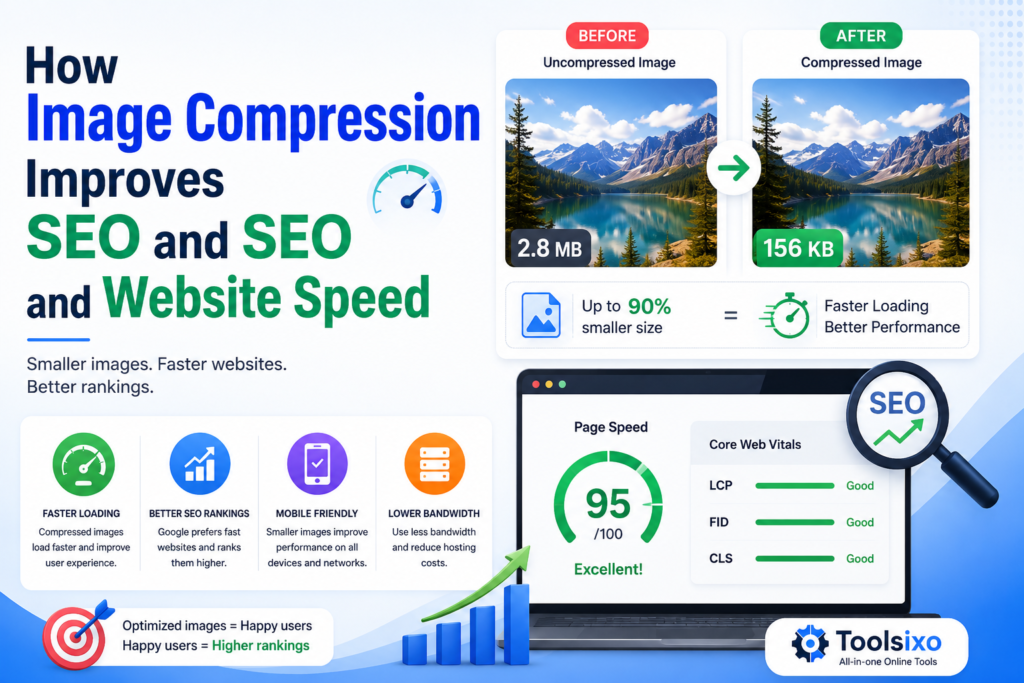
How Image Compression Improves SEO and Website Speed

How Image Compression Improves SEO Image compression can support SEO by making image files smaller and pages lighter. This may improve loading performance and create a smoother experience for visitors, especially those using mobile devices or slower connections. However, compression is not a shortcut to higher rankings. It works best as part of a broader

How Image Compression Improves SEO and Website Speed Read More »

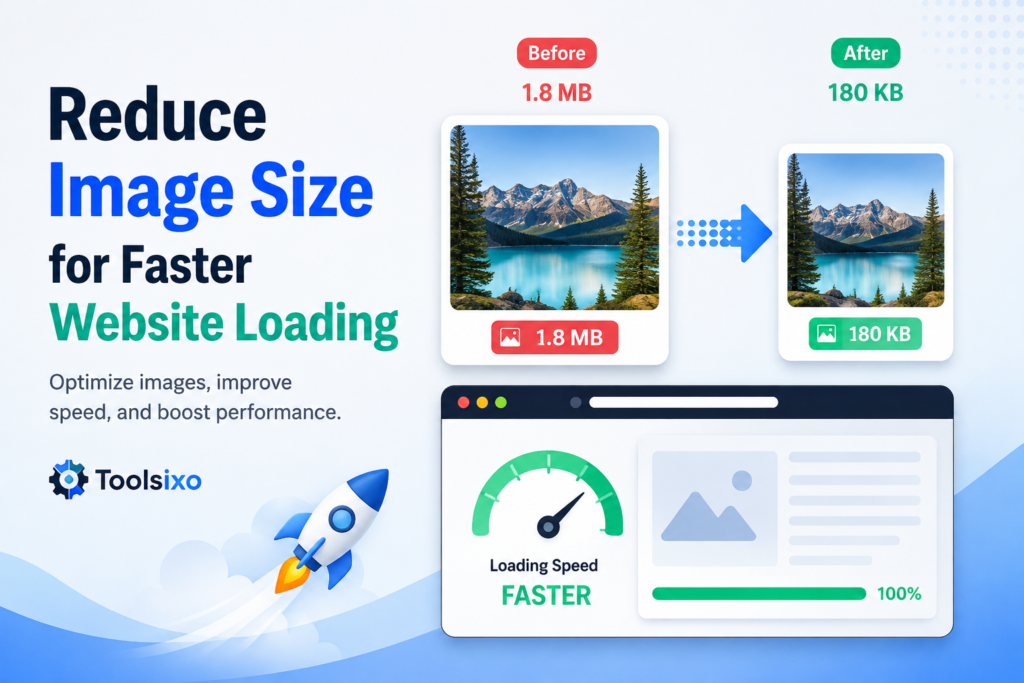
Reduce Image Size for Faster Website Loading

Reduce Image Size for Faster Website Loading

A website can look polished and still feel painfully slow. In many cases, large image files are part of the problem. High-resolution photos, banners, screenshots, and product images can add significant weight to a page. Visitors must download that data before viewing your content, which can be especially frustrating on mobile devices or slower connections.

Reduce Image Size for Faster Website Loading Read More »

Scroll to Top