
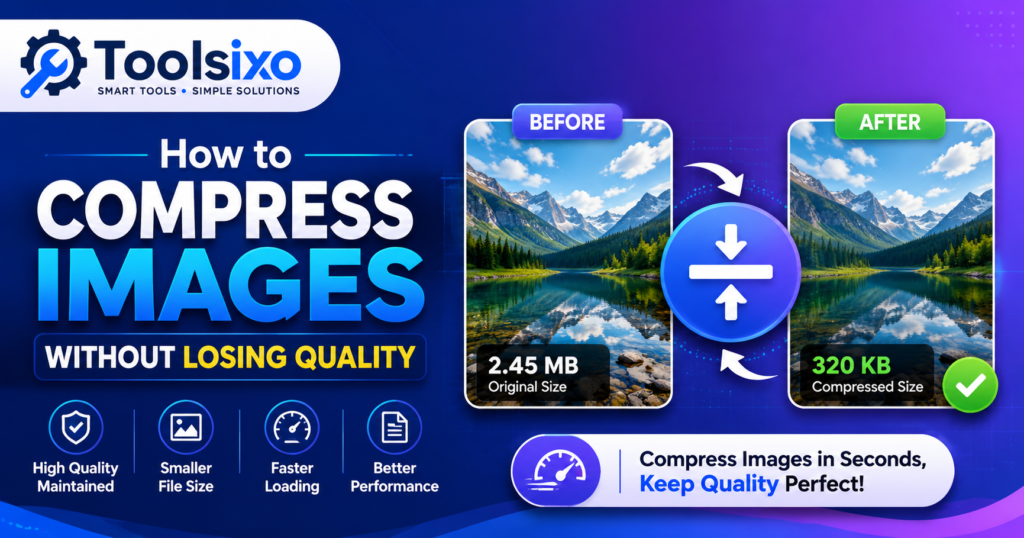
How to Compress Images Without Losing Quality
Compressing images is one of the easiest ways to speed up your website without sacrificing visual quality. Whether you’re a blogger, photographer, designer, or business owner, optimized images improve loading speed, save storage space, and create a better experience for visitors.
In this guide, you’ll learn how image compression works, which formats to use, common mistakes to avoid, and the best practices for maintaining high-quality images while reducing file size.
Why Image Compression Matters
Image compression offers several important benefits:
- Faster website loading
- Better user experience
- Improved SEO
- Reduced storage usage
- Lower bandwidth consumption
- Faster uploads
Large images can slow websites significantly, especially for mobile users.
Understanding Image Compression
There are two primary types of image compression.
Lossless Compression
Lossless compression reduces file size without permanently removing image data.
Best for:
- Logos
- Screenshots
- Graphics
- Images with text
Advantages
- No visible quality loss
- Safe for repeated editing
- Maintains original image quality
Lossy Compression
Lossy compression removes some image information to achieve much smaller file sizes.
Best for:
- Photographs
- Blog images
- Product images
- Social media photos
Advantages
- Smaller file sizes
- Faster loading pages
- Excellent for web use
When used correctly, most people won’t notice any visible quality difference.
Choosing the Right Image Format
JPEG (JPG)
Ideal for photographs and blog images.
PNG
Best for logos, graphics, and transparent backgrounds.
WebP
Offers excellent compression while maintaining high image quality.
SVG
Perfect for icons and simple vector graphics.
Step-by-Step Guide
1. Start with the Original Image
Always keep an untouched copy of the original image.
2. Resize Before Compressing
Resize images to the dimensions actually needed on your website.
3. Select the Correct Format
Choose JPEG for photos, PNG for graphics, WebP for modern websites, and SVG for icons.
4. Compress the Image
Use a reliable compression tool to reduce file size while maintaining quality.
You can compress images online using Toolsixo:
https://toolsixo.com
5. Compare the Results
Check image sharpness, colors, and details before publishing.
Best Practices
- Compress before uploading
- Keep original files
- Remove unnecessary metadata
- Use descriptive filenames
- Add alt text
- Test on desktop and mobile
Common Mistakes
Avoid these common errors:
- Compressing too aggressively
- Uploading camera originals
- Using PNG for every image
- Ignoring mobile performance
- Compressing the same image repeatedly
Pro Tips
- Use WebP whenever possible.
- Resize images before compression.
- Maintain a balance between quality and file size.
- Review images on multiple devices.
- Make image optimization part of your publishing workflow.
Frequently Asked Questions
Does image compression reduce quality?
Lossless compression doesn’t reduce image quality, while properly configured lossy compression usually produces little or no noticeable difference.
Which format is best?
JPEG for photos, PNG for graphics, WebP for modern websites, and SVG for icons.
Does image compression improve SEO?
Yes. Faster-loading pages provide a better user experience and can support better search performance.
Should I compress images before uploading?
Yes. Compressing before uploading saves storage and improves page speed.
Is WebP better than JPEG?
In many situations, WebP delivers similar quality with smaller file sizes.
Can I compress PNG images?
Yes. Lossless compression works well for PNG images.
Is image compression safe?
Yes. Just keep a backup of your original images.
Why are my images still large?
The image may have a very high resolution, contain metadata, or use an unsuitable file format.
Conclusion
Image compression is an essential part of modern website optimization. By choosing the right image format, resizing images appropriately, and using effective compression techniques, you can create faster websites without sacrificing visual quality.
Try Toolsixo
Need to compress images quickly?
Visit https://toolsixo.com to reduce image file sizes while preserving excellent quality. It’s fast, simple, and works directly in your browser.