
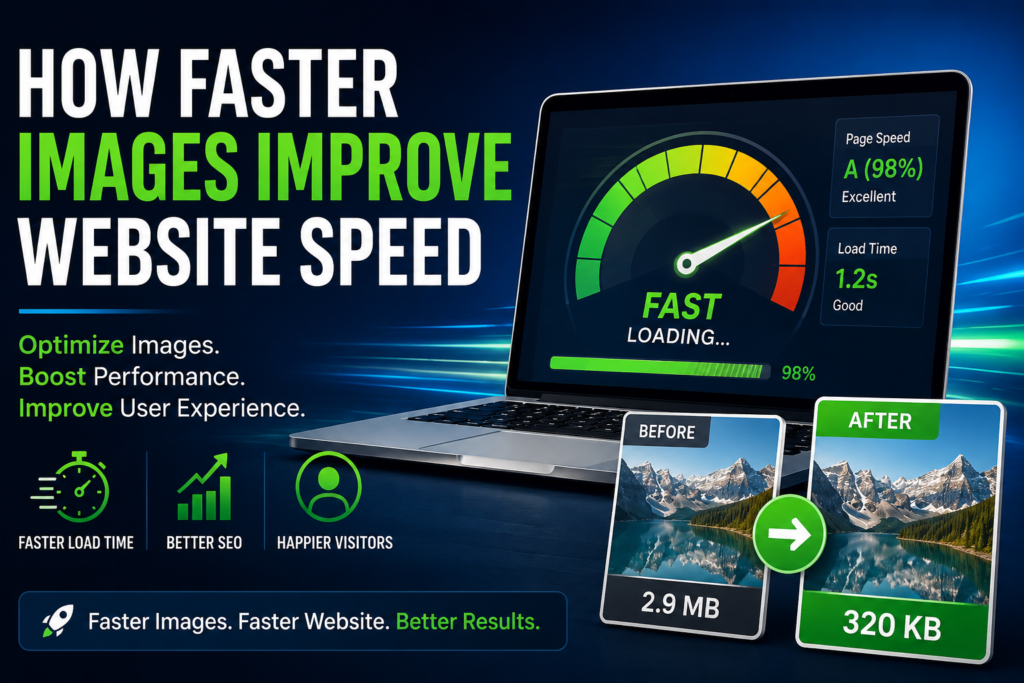
Images make a website feel useful and polished, but heavy images can slow everything down. When a page takes too long to load, visitors leave faster, search engines struggle to crawl efficiently, and mobile users feel the delay most.
The good news is simple: you do not need to remove images. You just need to make them lighter, cleaner, and better sized before publishing.
Why image speed matters
Fast images help pages open quickly, reduce bandwidth, and improve the overall user experience. A smaller image file can make a big difference on product pages, blog posts, landing pages, and online tools.
Quick ways to improve image speed
- Resize images before uploading them.
- Compress JPG and PNG files to remove extra weight.
- Use WEBP when you want smaller files for the web.
- Crop empty space instead of uploading oversized images.
- Keep the original file as a backup before compressing.
Try these Toolsixo tools: Image Compressor, Image Resizer, and WEBP Converter.
The bottom line
Faster images make your site feel smoother, especially on phones. Keep images sharp enough to look good, but small enough to load quickly.